 RecVault
Speech to text in about a minute
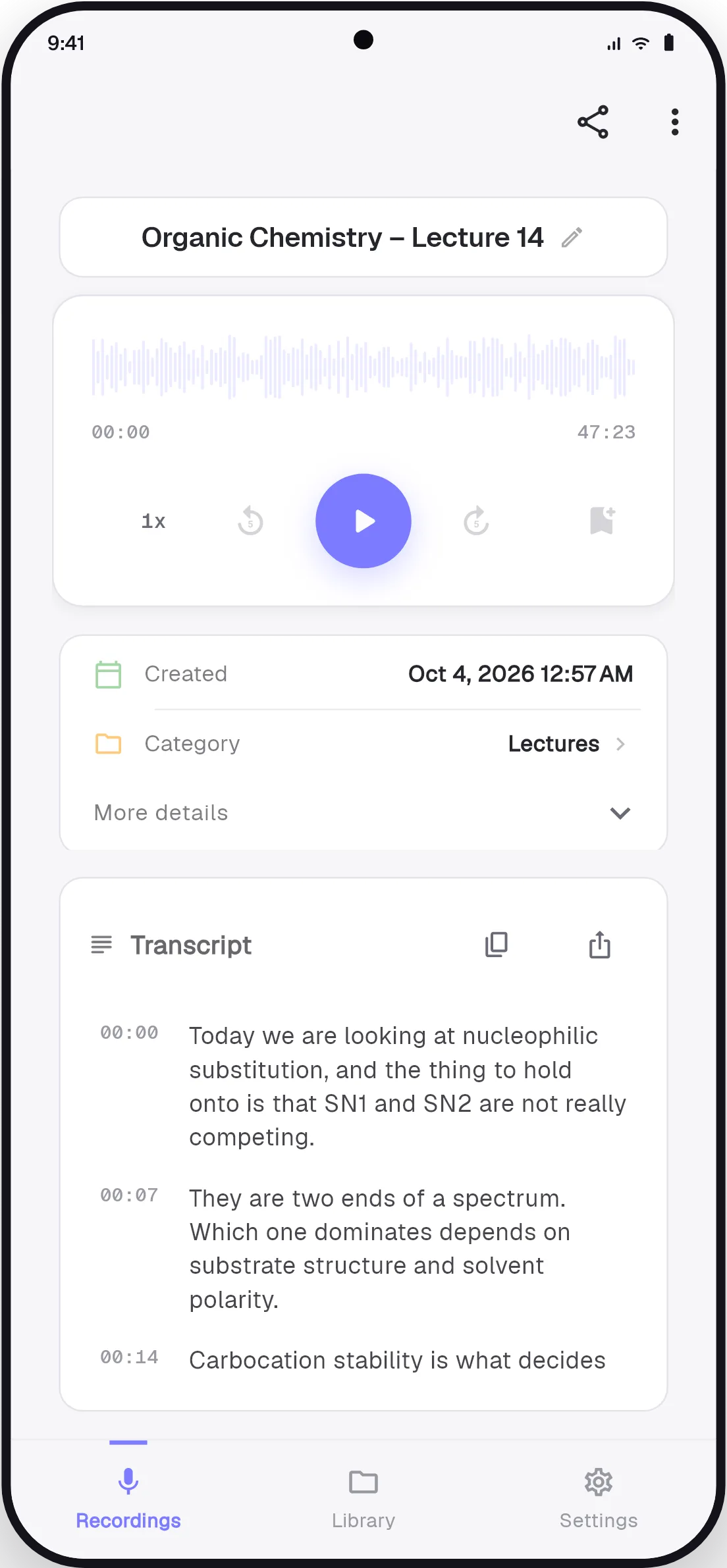
Transcribe any recording in more than 90 languages, detected automatically. Every line is timestamped. Tap one to jump straight to that moment in the audio.
Voice recorder · Transcription · Search
RecVault records your lectures, meetings and voice notes, turns them into text, and finds any moment when you type a word from it.
Free · Android · No account needed
On a computer?Scan with your phone's camera.
Try it here
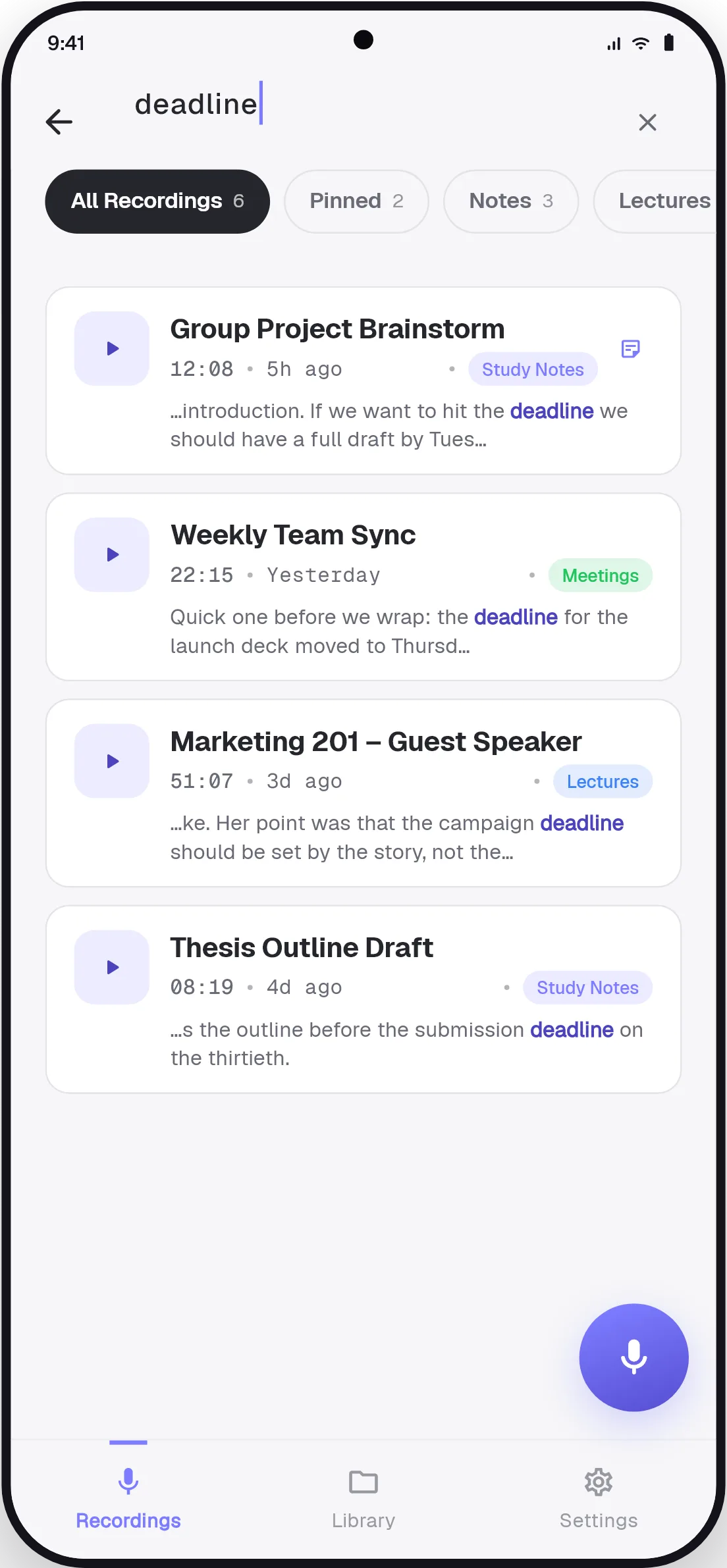
Other recorders search file names. RecVault searches what was said. These are five sample recordings; type a word and see which ones it was spoken in.
22:15 · Yesterday
Quick one before we wrap: the deadline for the launch deck moved to Thursday, so design needs the final numbers from finance by Tuesday. Priya will chase the budget approval and book the room for the review.
09:40 · 3 days ago
SN1 and SN2 are two ends of a spectrum. Which one dominates depends on substrate structure and solvent polarity. This comparison will be on the exam, so learn the table of leaving groups before the next lecture.
03:12 · Monday
So the flat is on the second floor, the rent is the same as we said, and the landlord wants the deposit by Friday. Bring your passport copy to the viewing and call me when you reach the station.
08:47 · Last week
What surprised us was how quickly people adapted. Within a month the budget conversation had changed completely, and nobody was asking whether it worked any more. The question became how soon we could expand it.
01:58 · Last week
Remember to send the invoice before the end of the month. Also, the opening of the talk should start with the story about the lost recording, not with the numbers. Buy a birthday card for Lina.
Nobody said that in these five recordings. Try deadline.
Tap the mic and it is recording. It keeps going with the screen off or while you use other apps.
Tap Transcribe and read the recording about a minute later, with a timestamp on every line.
Type any word. RecVault looks inside every transcript and shows you where it was spoken.
Features
Most voice recorders are good at recording and stop there. RecVault is about what happens afterwards.
Transcribe any recording in more than 90 languages, detected automatically. Every line is timestamped. Tap one to jump straight to that moment in the audio.
Got a long voice message? In WhatsApp or another chat app, long-press it, tap Share and choose RecVault. Read it on the bus, in class, anywhere you cannot play audio out loud.
How to transcribe a voice messageNo setup screens between you and the microphone. Pause and resume, drop bookmarks as you go, or start from the home-screen widget without opening the app.
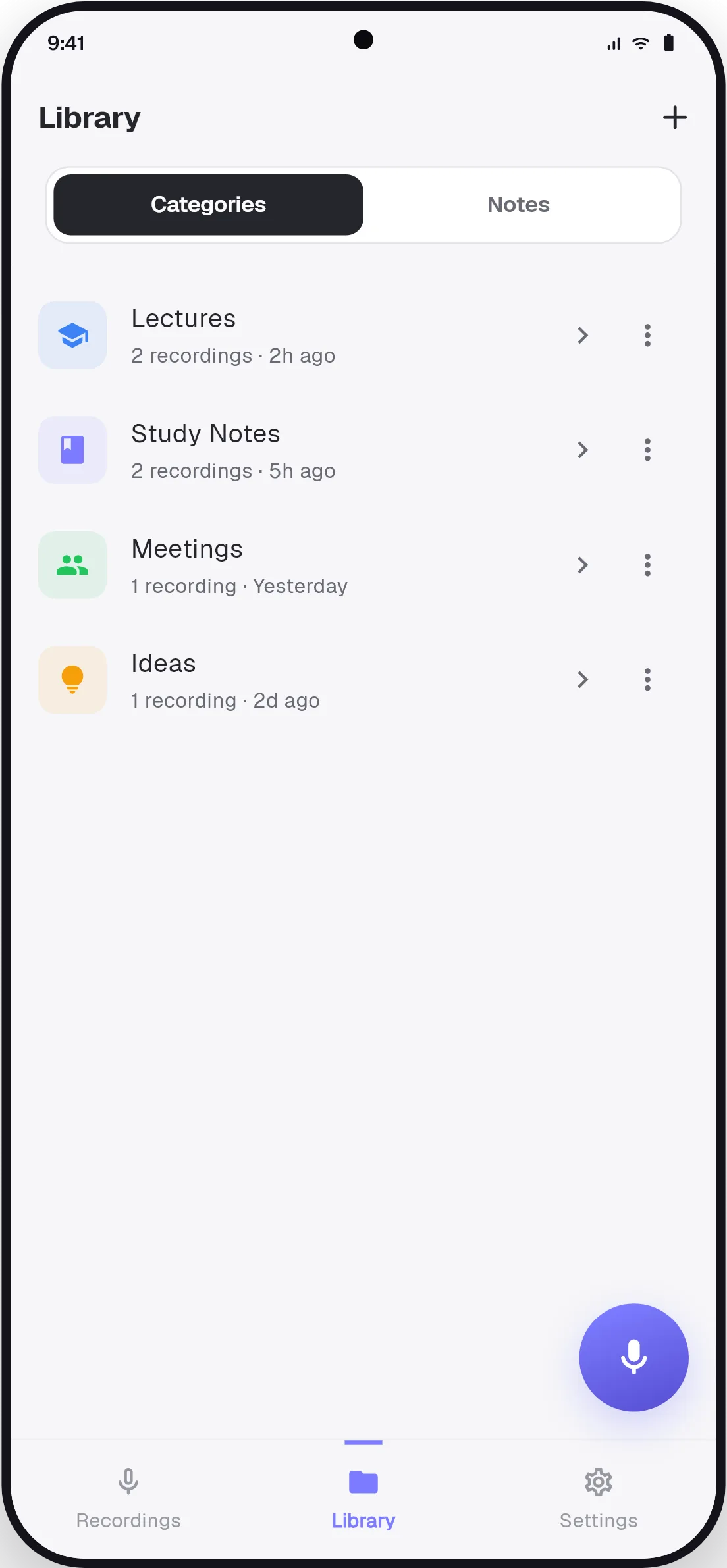
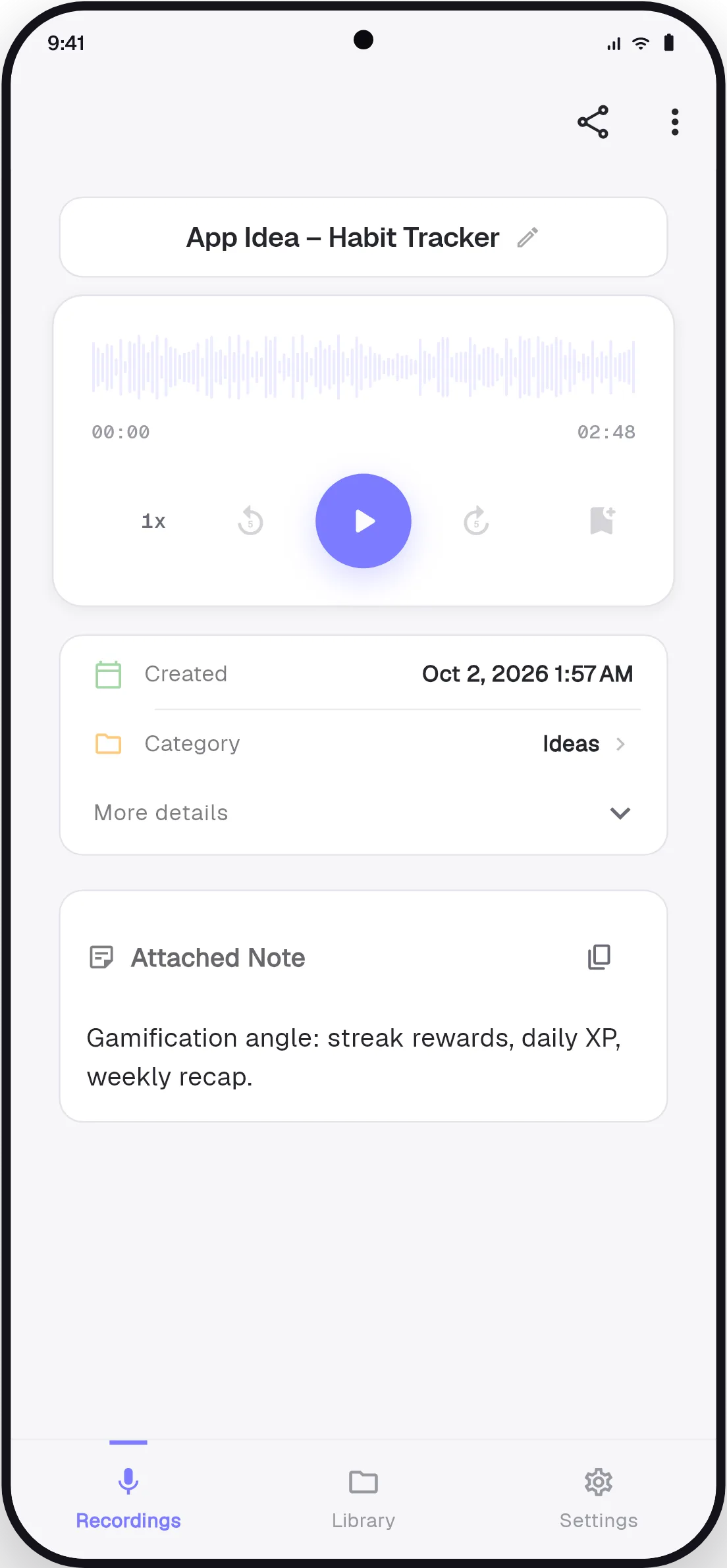
Colour-coded categories with their own icons. Pin what matters this week. Attach typed notes to any recording, and filter the library by category, pinned or notes.
Transcribed recordings name themselves from what was said, so the list stops being a column of dates.
Uses
Read a long voice note instead of playing it out loud.
Read moreRecord the class, then study from text you can search.
Read moreBe present in the room. Find the decision afterwards.
Read moreCapture every answer and find the quote in seconds.
Read moreThink out loud now. Search your own thoughts later.
Read moreCost
RecVault is free. There is no subscription, no account and no trial that quietly starts charging.
Privacy
No account and no cloud library. Recordings, notes and transcripts are stored on your device. Audio is only sent for processing when you tap Transcribe, and it is not kept afterwards. More in the privacy policy.
The app is available in eleven languages, and it transcribes speech in more than ninety.
Yes. Recording, playback, categories, notes, bookmarks and search are unlimited and free. Transcription is free too: your first one has no ad, and after that one short ad plays before each transcription. There is no subscription and no trial that turns into a charge.
Open the recording in RecVault and tap Transcribe. The text comes back in about a minute with a timestamp on every line. Tap a line to jump to that moment in the audio.
Yes. Long-press the voice message in WhatsApp or another chat app, tap Share and choose RecVault. It lands in your library, where you can transcribe it and read it instead of playing it out loud.
The search bar looks inside your transcripts, not just at file names. Type a word that was spoken, such as "deadline", and RecVault shows every recording where it was said, with the match highlighted.
No. There is no sign-up and no login. Install the app and tap the mic.
On your phone, in the app's private storage. There is no cloud library. Audio leaves your device in one case only: when you tap Transcribe, that recording is sent to the transcription service, turned into text, and not kept afterwards.
Record it once, then find it by typing. Free on Android, ready in the time it takes to install.