 RecVault
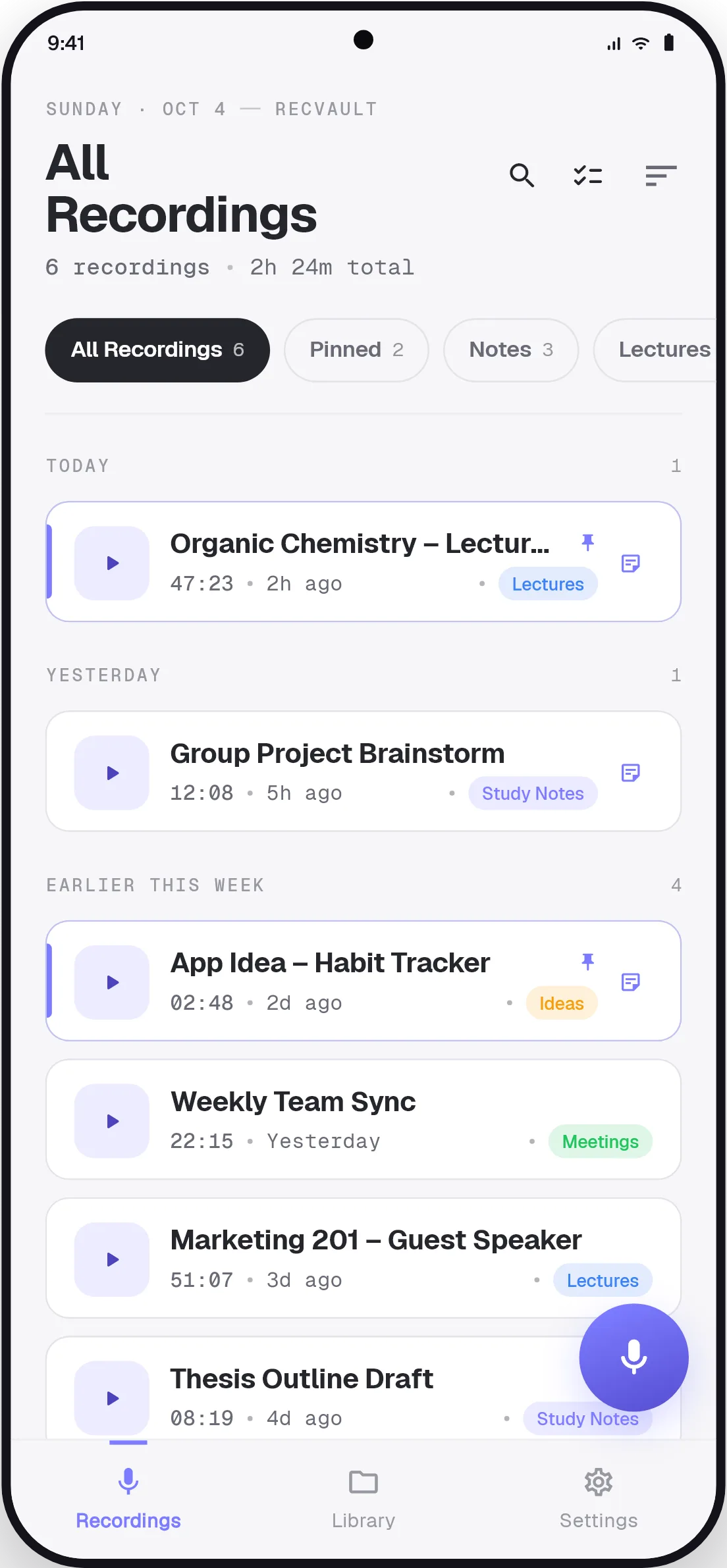
Faster than typing
Most people speak about three times faster than they type on a phone. A voice memo captures a to-do list, a draft message or an idea for a project in the time it takes to unlock the keyboard. Tap the mic, or the home-screen widget, and you are recording.
Memos that don't disappear into a list
The trouble with voice memos is finding them again. A list of recordings named by date tells you nothing about what is inside. Transcribe a memo and RecVault uses the transcript to give it a meaningful title, and makes every word searchable. Type "invoice" or "birthday" and the memo is there.
Text you can use
A transcript is a starting point. Copy it into an email, a document or a task app. Add typed notes beside the audio. Pin the memos you are still working on and file the rest by category.
How to turn a voice memo into text
- Tap the mic
Recording starts at once. Speak naturally and hold the phone as you would for a call.
- Stop and save
The memo is saved to your library on the phone.
- Tap Transcribe
The text is ready in about a minute, with a timestamp on each line.
- Copy, share or search
Send the text wherever you need it, or leave it and search for it when it matters.
Good to know
- Add the RecVault widget to your home screen to record without opening the app.
- Recording, playback and search work offline. Only transcription needs a connection.
- Already have audio files? Share them to RecVault from your file manager or another app.